Product. Market. Goal.
Share the app or product you advertise, who you want to reach and what you want to achieve.
BUILT-IN AI CREATIVE STUDIO
Generate video, images and text with prompts and presets. Turn a static image into video, then use your creative in a mobile campaign.

 GPT IMAGE 2
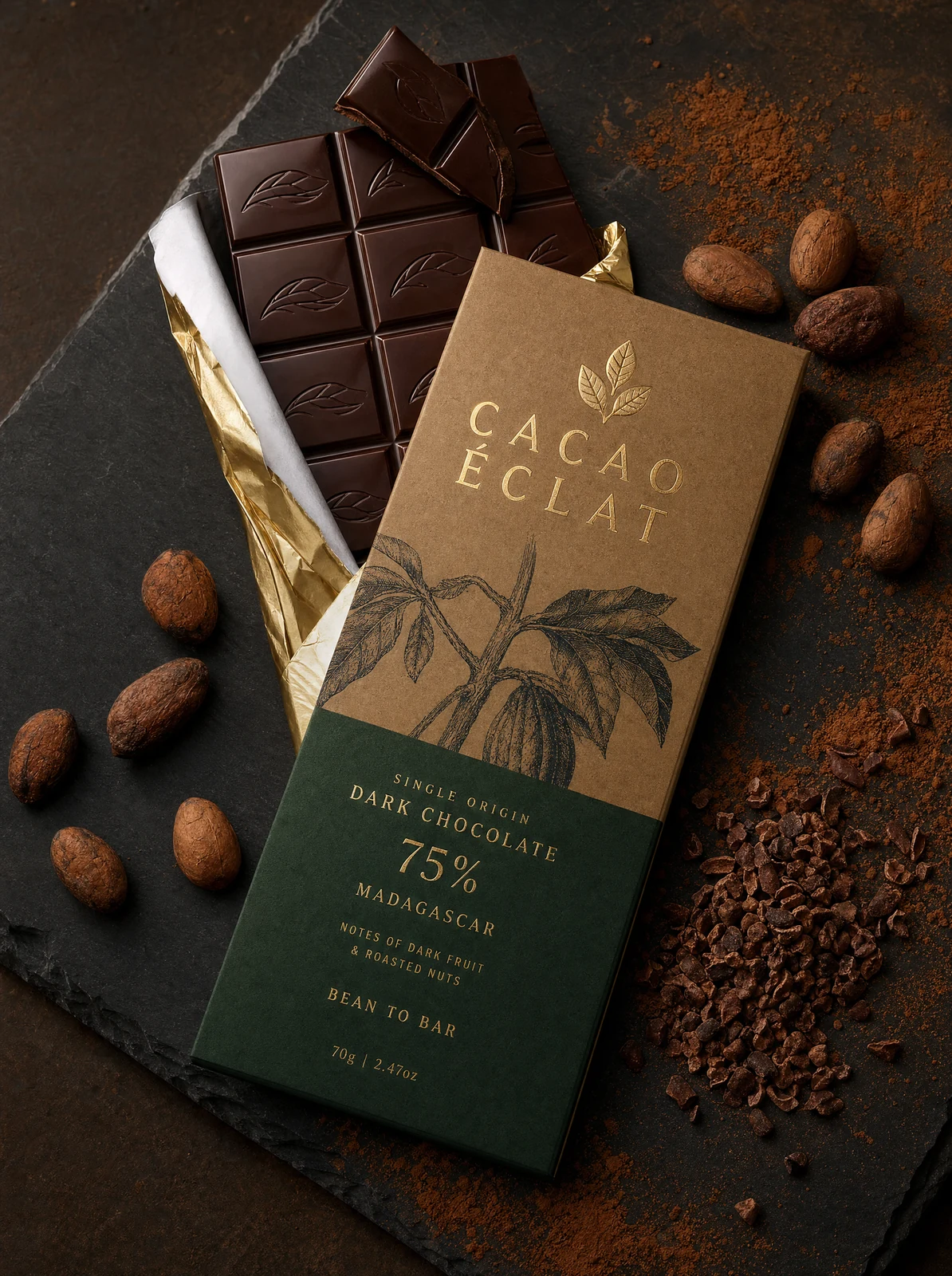
Create product images, ad concepts and campaign visuals from a prompt. Explore image-format examples.
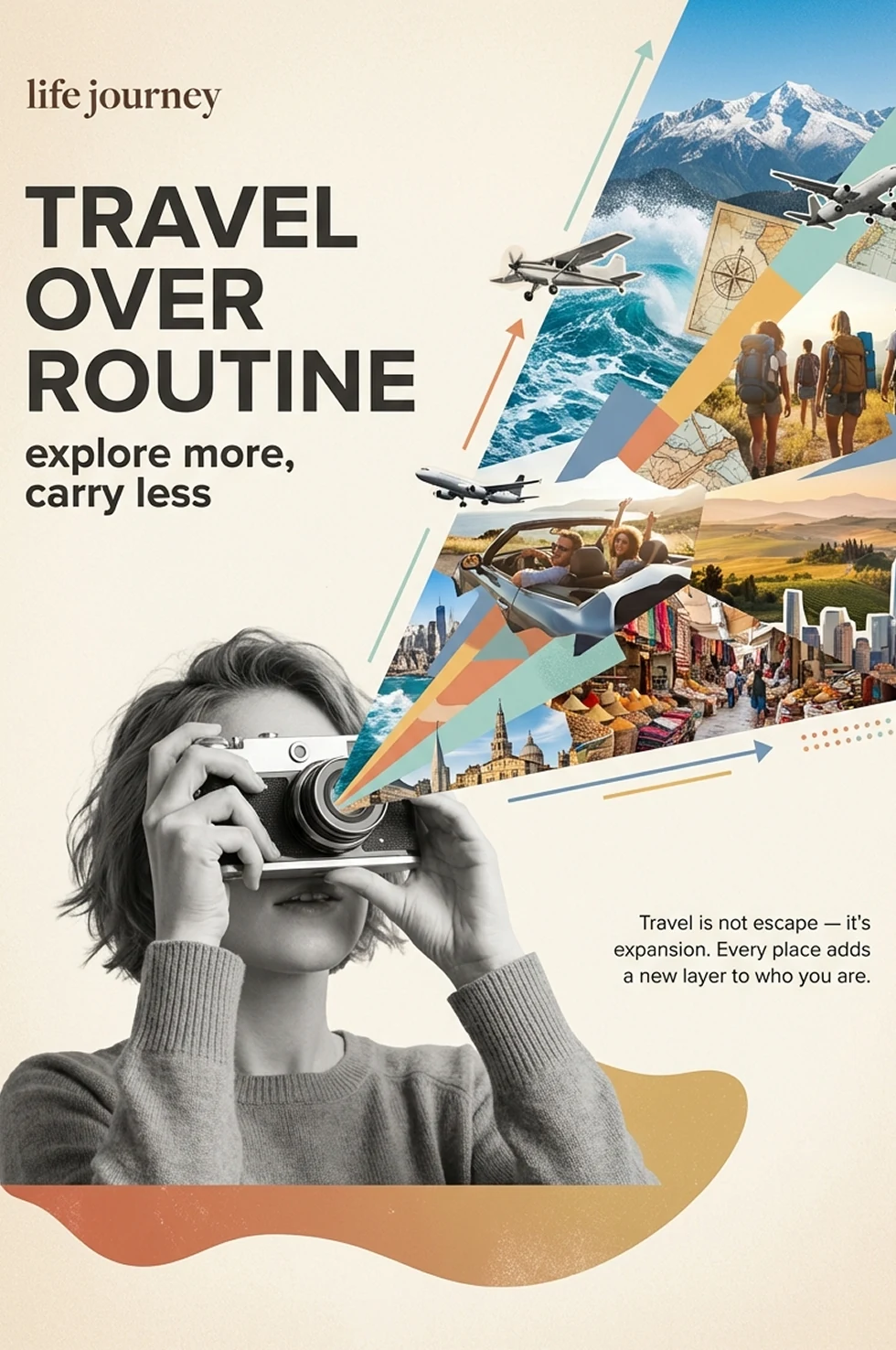
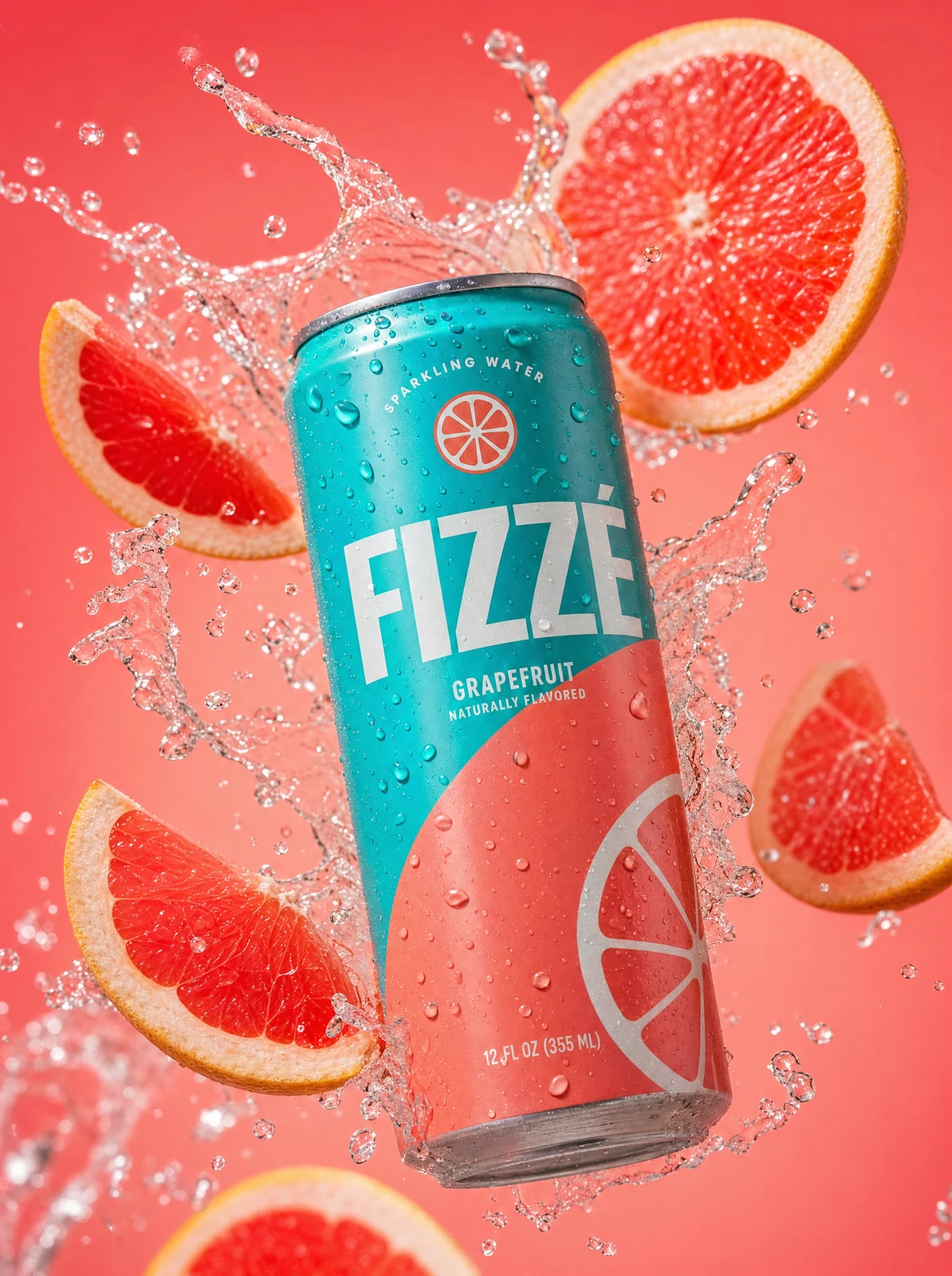

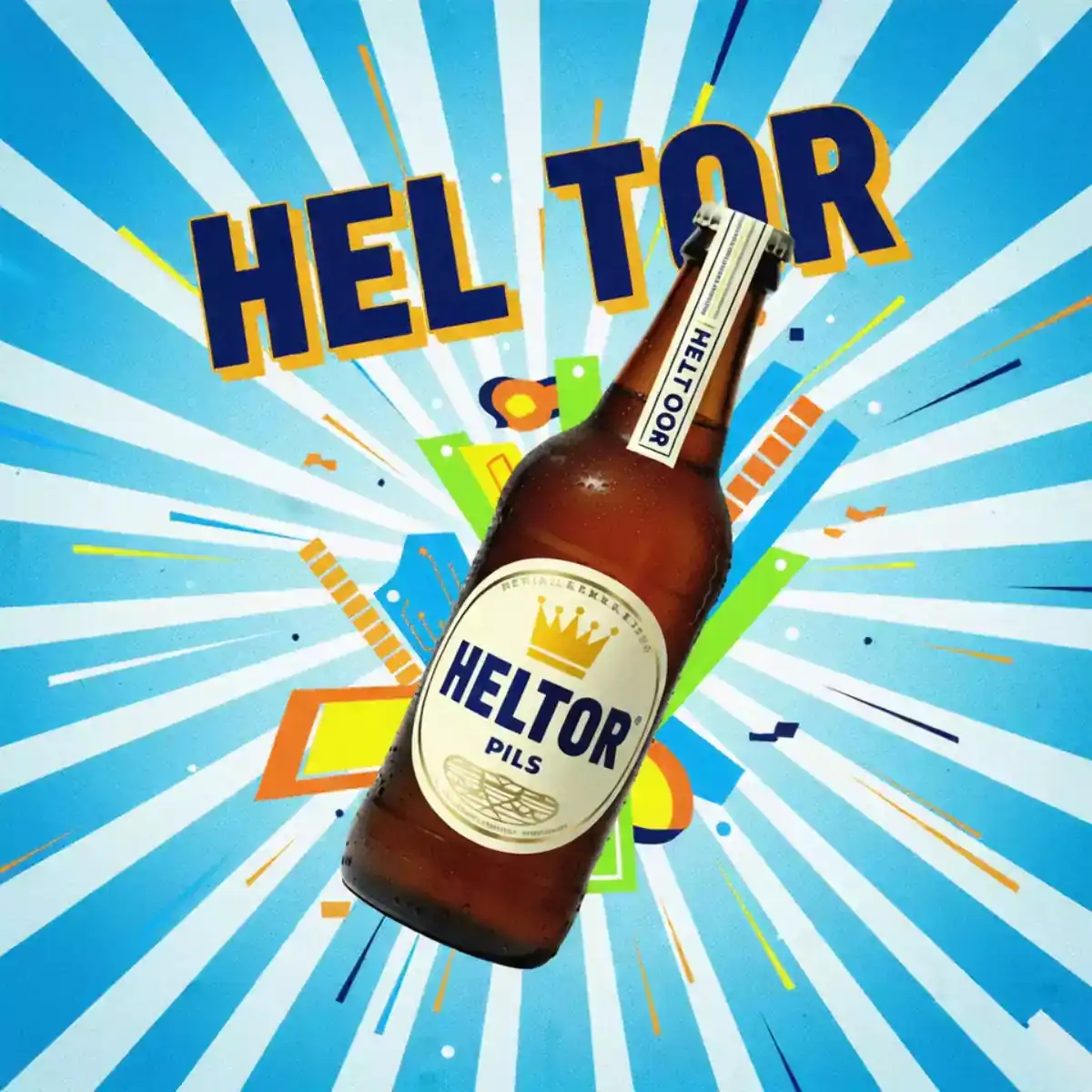
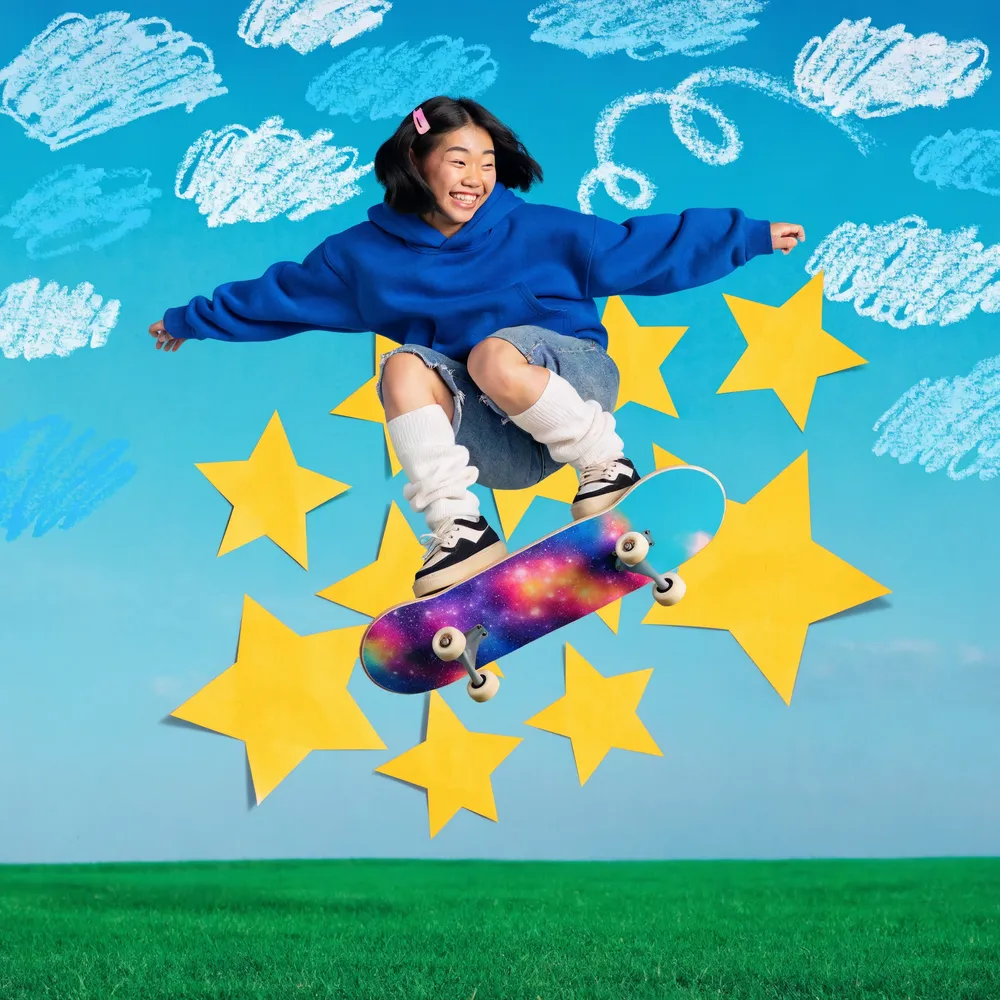
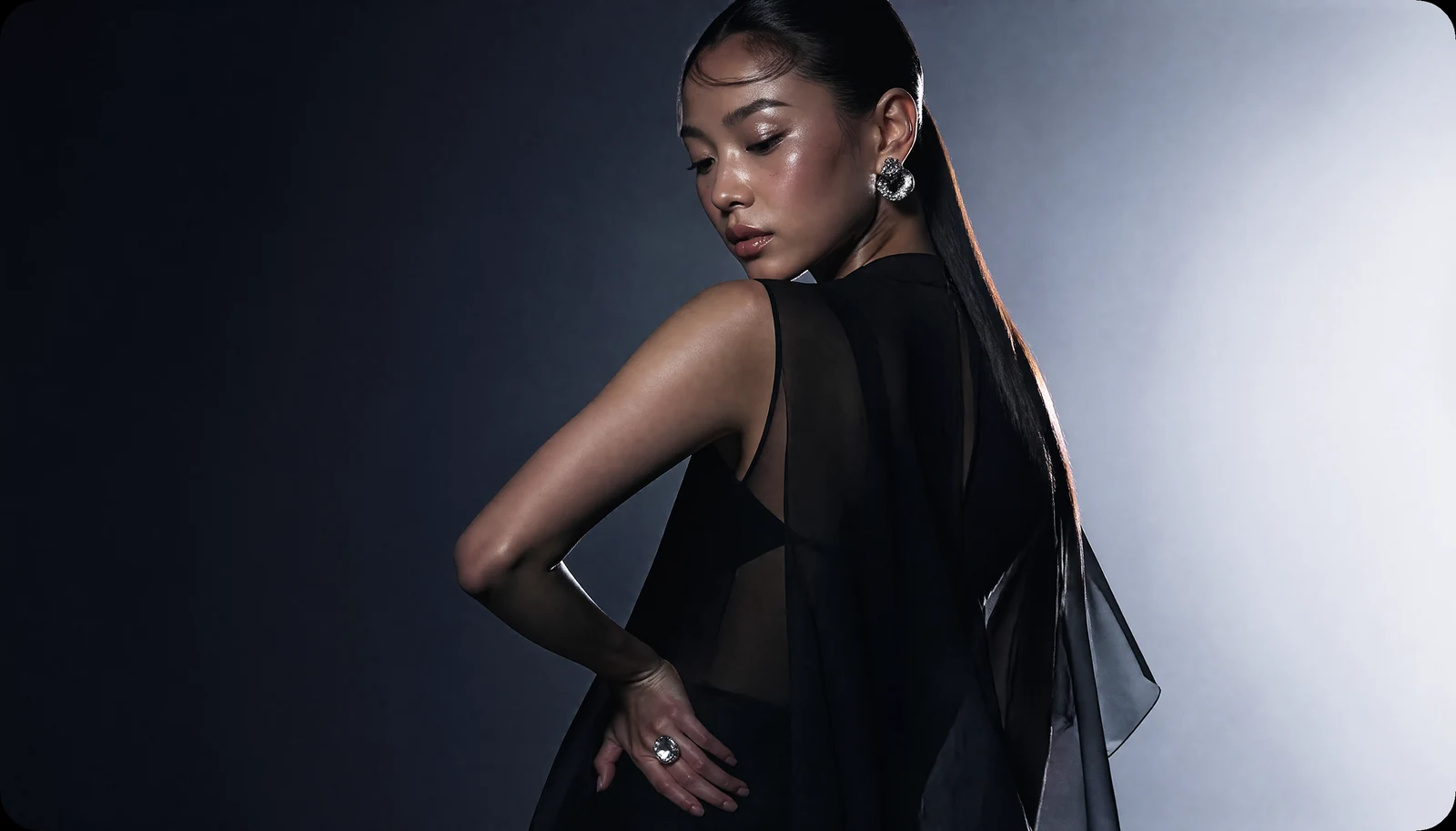
Create video from a prompt or an image. Explore product films and UGC-style creative formats.
GETTING STARTED
Tell us about your product, target markets and advertising budget. Talk to the team about platform access and the right setup.
Share the app or product you advertise, who you want to reach and what you want to achieve.
Discuss available placements, budget requirements, measurement and launch conditions.
Ask the team for a platform walkthrough, access details and the support available for your campaign.
Include your target markets and planned launch date.
Contact the Vector360 team with your campaign brief to discuss access and next steps.
Share your planned advertising budget with the team. Confirm the budget requirements and commercial terms for your campaign before launch.
Vector360 includes AI Creative Studio for video, images and text, plus playable ad generation. Ask to see these tools during your platform walkthrough.